
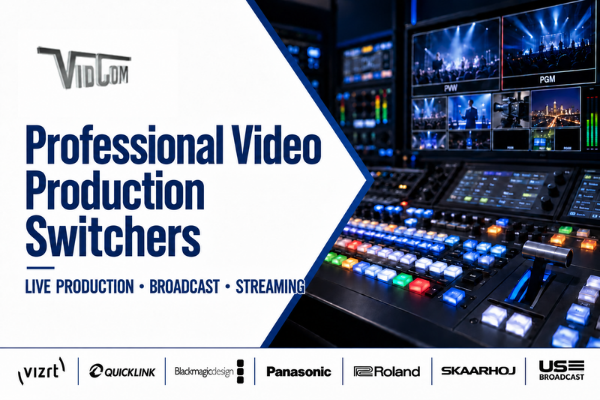
Professional Video Production Switchers in Canada
Professional video production switchers are at the centre of modern live production workflows. They allow operators to manage multiple cameras, graphics, recorded media, computer feeds and audio sources—then seamlessly deliver the finished program to broadcast, streaming, recording and in-venue displays.
Since 1980, VidCom has designed and integrated professional video systems for broadcasters, production companies, sports organizations, corporations, educational institutions, government facilities, houses of worship and live event producers across Canada.
Whether you need a compact all-in-one video switcher, a scalable broadcast production system or a customized IP-based workflow, VidCom can help you select, configure and integrate the right technology for your production environment.
What Is a Professional Video Production Switcher?
A professional video production switcher—also called a vision mixer or video mixer—is a hardware- or software-based system used to select, combine and transition between multiple video and audio sources during a live or recorded production.
Sources connected to a production switcher may include:
- – Studio, field and PTZ cameras
- – Remote video contributors
- – Computers and presentation devices
- – Graphics and titles
- – Prerecorded video and media players
- – Microphones and external audio mixers
- – Replay systems
- – Virtual sets and augmented reality graphics
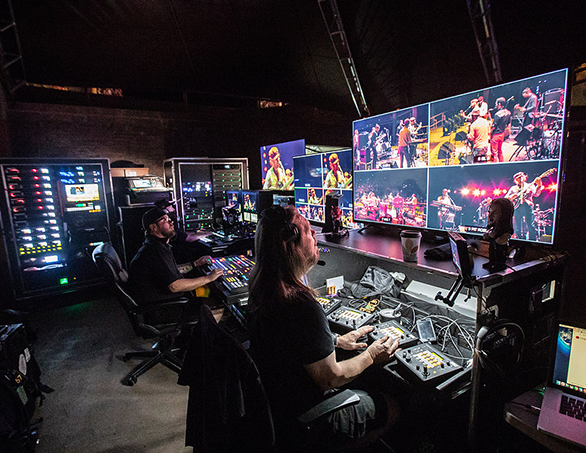
The switcher allows the operator to choose which source is placed on air, preview upcoming content, create transitions, overlay graphics and build multi-layer compositions. The completed program can then be broadcast, streamed, recorded or displayed on projectors, LED walls and other screens.
Hardware, Software and All-in-One Video Switchers
Professional production switchers generally fall into three categories.
Hardware Video Switchers
Hardware switchers use dedicated processing equipment and a physical control surface. They are designed for dependable, low-latency operation and are commonly used in broadcast studios, control rooms, mobile production units, sports venues and live events.
Software-Based Video Switchers
Software-based switchers run on a computer, server or cloud platform. They can offer flexible workflows, remote operation and scalable production capabilities while reducing the amount of dedicated hardware required.
All-in-One Live Production Systems
All-in-one platforms combine several production functions within one system. Depending on the platform, these functions can include video switching, graphics, recording, playback, streaming, audio mixing, remote guests and replay.
The right format depends on factors such as the number of inputs, required resolution, operator experience, production frequency, available space and plans for future expansion.
This is where VidCom’s expertise comes into play. Our experienced team can help determine the best switcher to meet your needs.
Featured Professional Video Production Switcher Brands
VidCom works with leading professional video manufacturers and technology providers to develop reliable production workflows for organizations across Canada.
The following is a list of our preferred professional video production switcher manufacturers.
Vizrt TriCaster
Vizrt TriCaster systems provide integrated live production capabilities for organizations ranging from smaller production teams to enterprise broadcasters.
The TriCaster family combines video switching with tools for graphics, media playback, recording, streaming, remote contribution and IP-based production. Available solutions support NDI workflows and a range of deployment requirements, including desktop, rack-mounted, software and cloud-based production.
TriCaster systems are well suited to broadcast, sports, education, corporate communications, houses of worship and other organizations that want to manage multiple production functions through one platform.
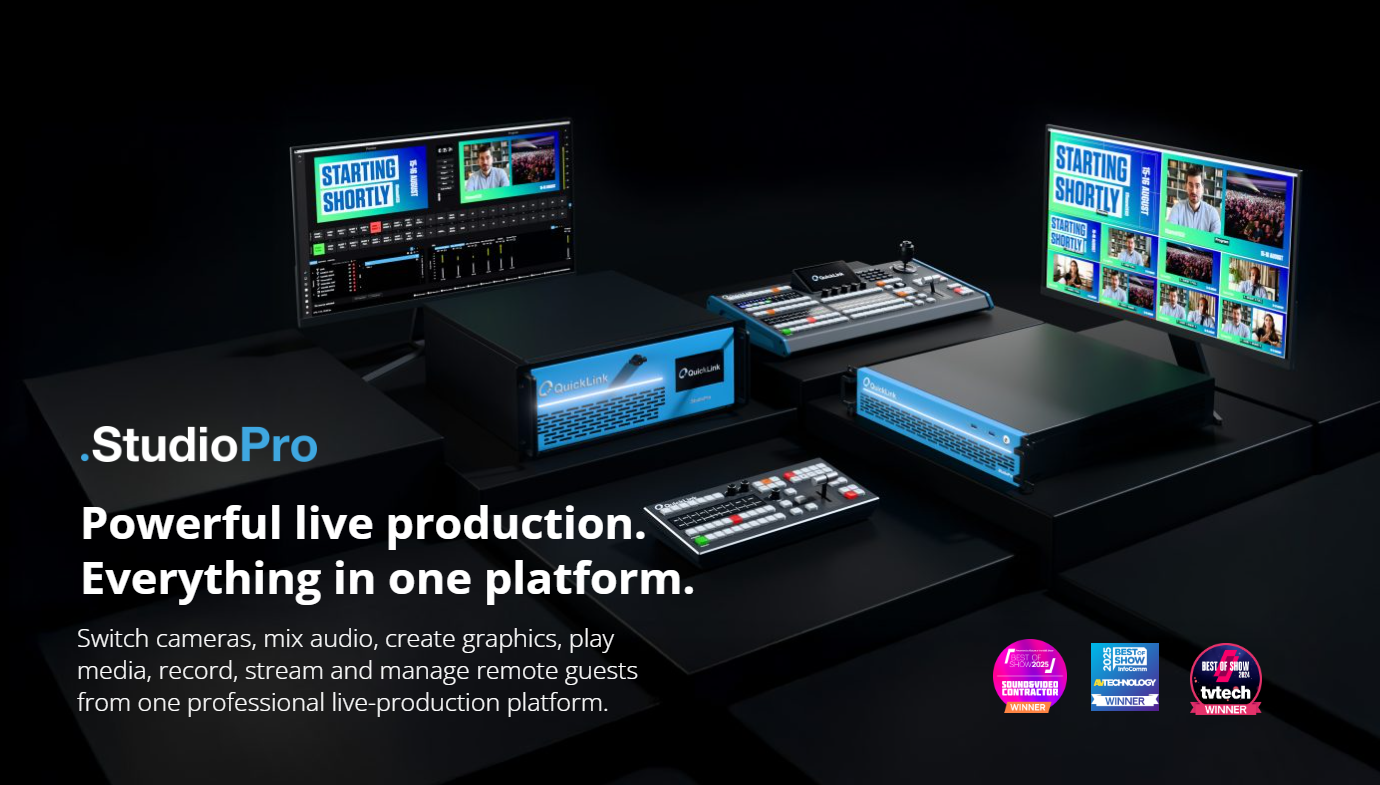
QuickLink StudioPro
QuickLink StudioPro is a professional video production platform designed to simplify the creation of live and recorded content.
StudioPro allows users to switch cameras, mix audio, create graphics, play media, record, stream and manage remote guests through one production environment. Its customizable scene-based workflow lets operators prepare layouts and production elements in advance, helping small teams deliver polished programming more efficiently.
The StudioPro family includes options for NDI, SDI and SMPTE ST 2110 workflows, making it suitable for broadcasters, corporations, educators, government organizations, sports producers and content creators.
Blackmagic Design
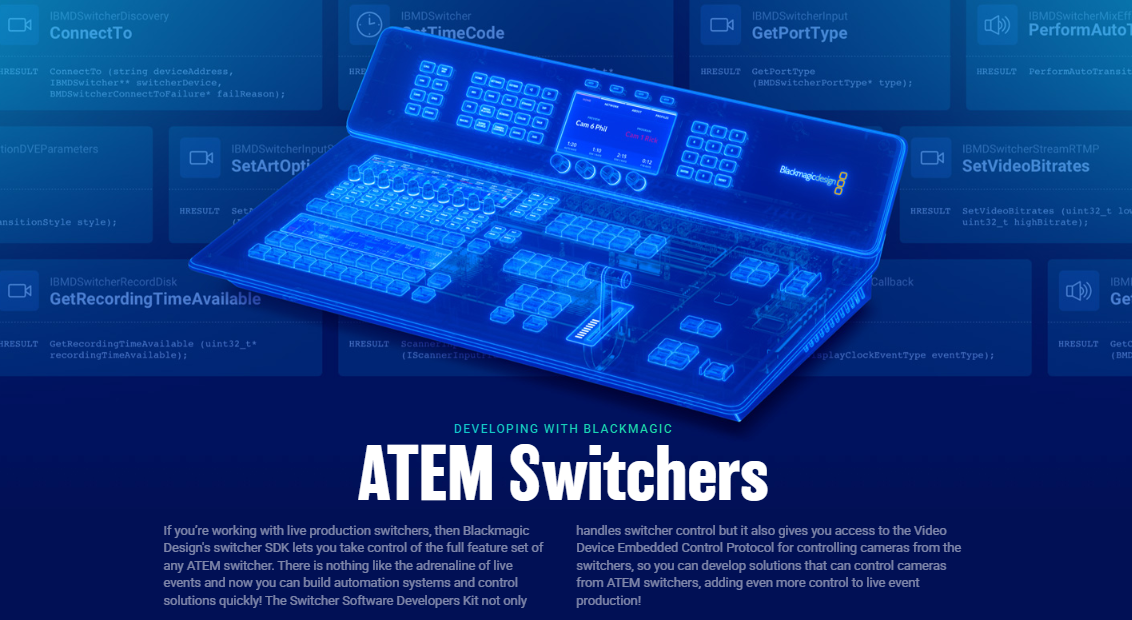
Blackmagic Design offers a broad selection of live production switchers, including the ATEM family.
Blackmagic Design switchers range from compact models for portable and streaming productions to larger systems designed for advanced multi-camera workflows. Available capabilities may include SDI and HDMI connectivity, chroma keying, digital video effects, media playback, multi-view monitoring, recording and integrated streaming.
These solutions can support live events, mobile production, education, houses of worship, corporate video, sports and studio production.
Panasonic Connect
Panasonic professional video switchers and controllers are designed for live production environments that require reliable operation and integration with professional cameras and AV infrastructure.
Panasonic solutions can support multi-camera productions in broadcast, sports, live events, education, corporate studios and houses of worship. They are especially valuable when integrated into broader Panasonic camera, PTZ camera and controller workflows.
VidCom can help configure Panasonic switching and camera systems as part of a complete end-to-end production environment.
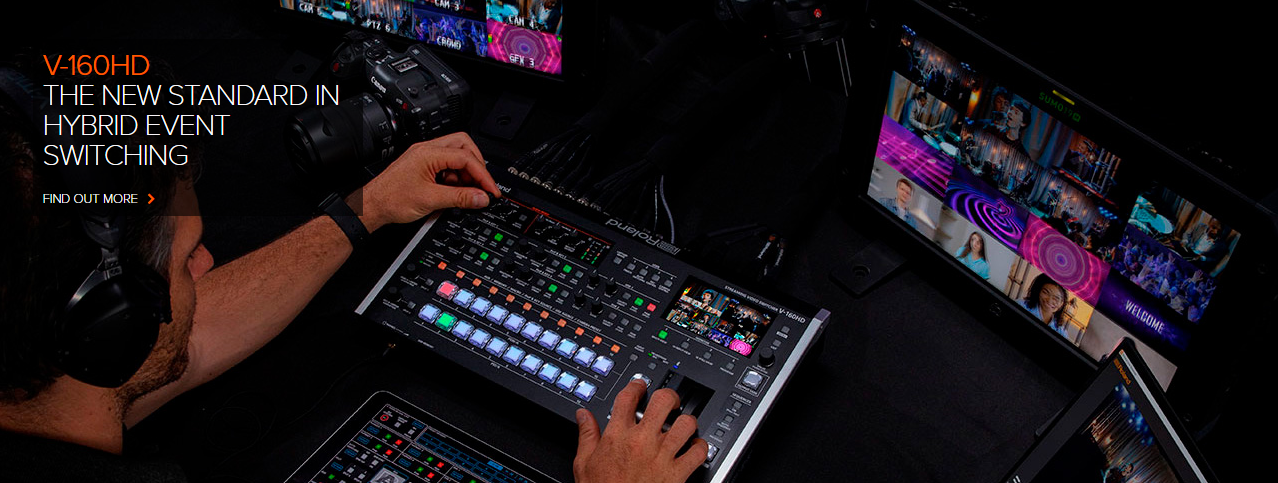
Roland Professional A/V
Roland Professional A/V video switchers combine professional video switching with user-friendly operation and integrated audio capabilities.
The Roland product range includes compact and portable switchers for live events, presentations, webcasts, hybrid meetings, education, houses of worship and corporate productions. Selected models support features such as multi-layer video composition, HDMI and SDI inputs, live streaming, recording and automated production functions.
Roland solutions are a strong option for organizations that need dependable professional results without the complexity of a traditional broadcast control room.
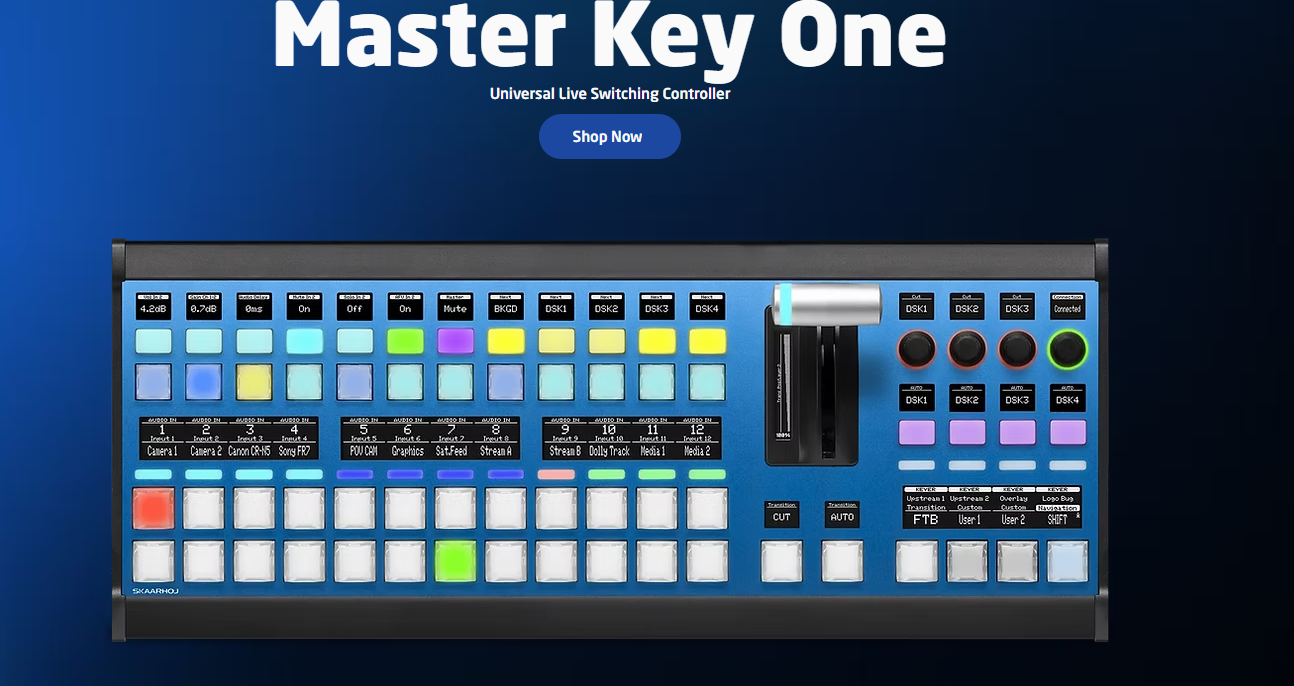
SKAARHOJ
SKAARHOJ develops flexible broadcast and professional video control surfaces that can bring multiple devices together through a unified operator interface.
Although SKAARHOJ products do not perform the video processing of a switcher, their controllers can provide tactile control over compatible switchers, cameras, routing equipment and other production technology. This can simplify operation, reduce the need to move between different interfaces and create a more efficient production workflow.
VidCom can help determine the compatibility of SKAARHOJ control panels with your selected production equipment.
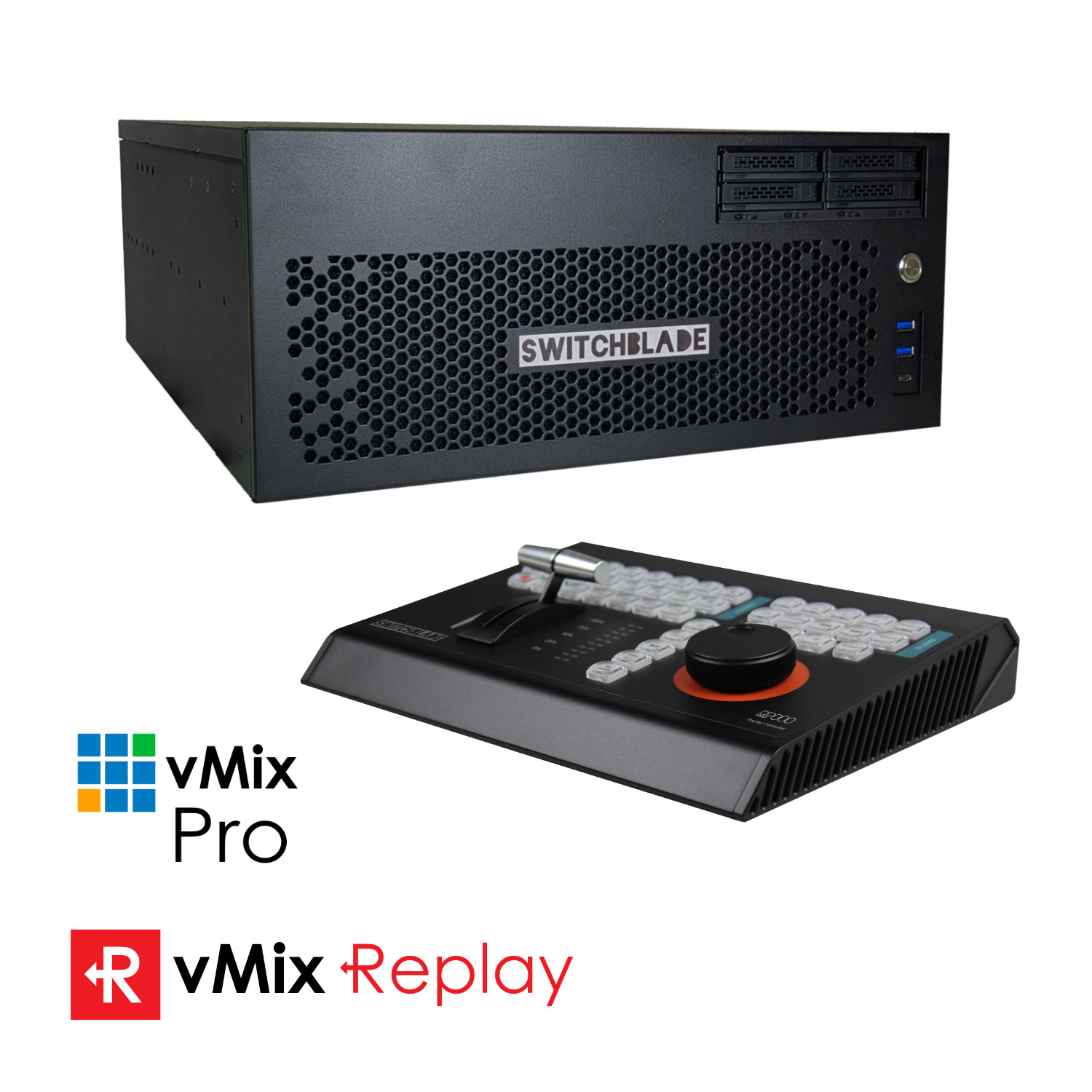
US Broadcast Distribution
US Broadcast Distribution provides access to professional production equipment from a range of manufacturers.
Its portfolio includes switching and supporting technologies for broadcast, streaming, live production and professional AV applications. VidCom can help identify suitable products from this portfolio and integrate them into a complete production system.
What Industries Use Professional Video Production Switchers?
Production switchers are used anywhere multiple video sources must be managed and delivered as a polished program.
Broadcast and Media: Television stations, production studios and digital media companies use switchers to manage cameras, graphics, playback, remote contributors and program outputs for live and recorded programming.
Sports Production Professional, collegiate, community and school sports organizations use switchers to produce live coverage for broadcast, streaming, scoreboards and in-venue displays. These workflows may include multiple cameras, instant replay, player statistics, sponsor graphics and commentary.
Live Events and Entertainment Concerts, conferences, festivals and staged productions use video switchers to deliver camera feeds, presentations and prerecorded content to projection systems, LED displays, livestreams and recordings.
Corporate Communications Businesses use multi-camera production systems for town halls, executive presentations, employee training, product launches, webinars and hybrid events.
Education Universities, colleges and schools use switchers in media programs, lecture halls, campus studios, athletic facilities and graduation productions.
Government and Legislative Facilities Government organizations use professional switching systems to produce council meetings, legislative sessions, public announcements, hearings and community programming.
Houses of Worship Houses of worship use switchers to manage cameras, lyrics, presentation content and prerecorded media for in-person screens, livestreams and recorded services.
Esports and Online Content Esports producers, podcasters and digital content teams use video switchers to combine gameplay, cameras, graphics, remote guests and commentary into engaging live programs.
How to Choose the Right Professional Video Production Switcher
Choosing a production switcher involves more than comparing the number of inputs. The complete workflow, operating environment and future plans should all influence the decision.
Important considerations include:
- – Number and Type of Sources Determine how many cameras, computers, playback devices and remote contributors must be connected. It is also important to identify whether those sources use SDI, HDMI, NDI, SMPTE ST 2110 or another transport format.
- – Production Resolution Consider whether your workflow requires HD, 4K/UHD or HDR production. The switcher, cameras, monitoring equipment, recording devices and signal infrastructure must support the required formats.
- – Outputs and Destinations Identify where the finished program must go. Destinations may include broadcast transmission, streaming platforms, recorders, confidence monitors, projectors, LED displays or multiple independent program feeds.
- – Graphics and Production Features Consider whether your productions require titles, lower thirds, chroma keying, virtual sets, picture-in-picture layouts, media playback, instant replay or data-driven graphics.
- – Audio Requirements Some switchers include integrated audio mixing, while more advanced productions may require a dedicated audio console and external audio processing.
- – Remote Production If operators, guests or production resources will be located off-site, the workflow may require remote control, cloud production, contribution tools or IP-based connectivity.
- – Ease of Use A system should reflect the skills and size of the production team. Preset-based operation, customizable control panels and automated workflows can make complex productions easier for smaller teams to manage.
- – Scalability and Future Growth The selected solution should support current needs while allowing room for additional sources, higher resolutions, IP connectivity, remote production or other future capabilities.
- – Integration and Support A video switcher must work reliably with cameras, audio systems, graphics platforms, routers, recorders, monitors, intercoms, storage and network infrastructure. Compatibility, system design and ongoing technical support are therefore essential considerations.
Why Work With VidCom?
A professional video switcher is only one part of a successful production system. Its performance depends on how well it integrates with the rest of the workflow.
VidCom is an experienced Canadian professional video and broadcast systems integrator. Since 1980, our team has helped customers design and implement reliable workflows for broadcast, live production, streaming, sports, education, government, corporate communications and entertainment.
When you work with VidCom, our team can assist with:
- – Workflow consultation and needs assessment
- – Product selection and system design
- – Hardware, software and control-surface recommendations
- – SDI, HDMI and IP-based production workflows
- – NDI and SMPTE ST 2110 integration
- – Camera, audio, graphics and replay integration
- – Streaming, recording and distribution
- – Control room and mobile production system design
- – Installation, configuration and commissioning
- – Operator training and ongoing support
- – Upgrades to existing production environments
VidCom is a vendor neutral system designer that works with multiple manufacturers, allowing us to recommend technology based on your workflow rather than limiting your system to a single brand.
Whether you are building a new production studio, modernizing a broadcast facility or adding multi-camera capabilities to an existing space, VidCom can develop a solution that fits your operational requirements, budget and plans for growth.
Build the Right Video Production Workflow With VidCom
The right production switcher can make live video easier to operate, more engaging to watch and better prepared for future growth.
Contact VidCom to discuss your cameras, sources, production requirements and distribution goals. Our team will help you select and integrate a professional video production switcher that fits your complete workflow.
Call VidCom Canada: 604-299-9711
Email: vidcom@vidcom.ca
Frequently Asked Questions About Professional Video Production Switchers
What is the difference between a video switcher and a video mixer?
The terms are often used interchangeably. In North America, “video switcher” is common, while “vision mixer” is frequently used in other markets. Both refer to systems that select and combine video sources during a production. Some products also include integrated audio mixing.
Do I need a video switcher for livestreaming?
A video switcher is recommended when a livestream uses multiple cameras, presentation feeds, prerecorded videos, graphics or other sources. The switcher lets an operator move between these elements and create a polished program for the audience.
What is the best video switcher for a multi-camera production?
The best switcher depends on the number and type of cameras, required resolution, production features, outputs, operator experience and budget. A compact all-in-one system may suit a smaller team, while a broadcaster or sports venue may require a larger hardware or IP-based platform.
What is the difference between an HDMI and SDI video switcher?
HDMI switchers are commonly used in smaller studios, corporate environments, houses of worship and portable productions. SDI is typically preferred in professional broadcast and live production because it supports secure locking connectors and longer cable distances. Some switchers support both formats.
Can a video switcher work with PTZ cameras?
Yes. Professional video switchers can receive video from PTZ cameras just as they would from traditional studio or field cameras. Some systems and control surfaces can also integrate camera control, allowing operators to recall camera positions and production presets.
Can a production switcher add graphics and lower thirds?
Many modern switchers can add logos, titles, lower thirds, picture-in-picture layouts and other graphics. Advanced productions may integrate the switcher with a dedicated broadcast graphics platform.
Can one system switch, record and stream video?
Yes. All-in-one production platforms can combine switching, recording, streaming, graphics, playback and audio mixing. Whether an integrated system or a collection of dedicated devices is better depends on the production’s complexity, reliability requirements and plans for expansion.
What is an IP video production switcher?
An IP video production switcher receives and distributes video over a network instead of relying exclusively on point-to-point baseband connections. Technologies such as NDI and SMPTE ST 2110 can provide greater routing flexibility, remote access and scalability when supported by properly designed network infrastructure.
Can video switchers support remote guests?
Some production systems include built-in remote guest tools, while others integrate with separate contribution platforms. Remote participants can be brought into a production alongside cameras, graphics and media sources.
What equipment is needed with a video switcher?
Depending on the workflow, supporting equipment may include cameras, lenses, microphones, audio mixers, monitors, multiview displays, recorders, streaming encoders, graphics systems, replay systems, routers, converters, intercoms, controllers, storage and network infrastructure.
Does VidCom provide video switcher installation and training?
Yes. VidCom can help with workflow planning, system design, equipment selection, installation, configuration, commissioning and operator training. We also provide ongoing technical support for professional video and broadcast environments.
Where does VidCom provide professional video system integration?
VidCom designs and supports professional video systems for customers across Canada, with Canadian operations based in Burnaby, British Columbia. The company also serves customers through its Seattle location by appointment.


